
What Is The Best Affordable PC for Gaming? A Complete Guide
A new-parts gaming PC around $650-$750 is a practical starting point for smooth 1080p play. Your budget, preferred games, and willingness to build or buy a prebuilt PC shape the best value. VRAM is dedicated graphics-card memory that holds game assets and frame data.
This guide compares DIY builds, prebuilt options, and complete setups for US buyers. The tower is only part of the setup: you may also need a monitor, keyboard, and mouse. We’ll focus on practical performance and costs, so you can see which trade-offs make sense for your price range.
Key Takeaways
- Start with a new-parts 1080p tower if you want a balanced build.
- A used GPU can lower the cost, with extra buying risk.
- Spend according to your resolution and frame-rate goal.
- Check RAM, storage, cooling, and upgrade room before buying.
- Include a monitor and accessories in your total budget.
Choose the option that leaves room for the monitor and accessories you actually need.
What Is the Best Affordable PC for Gaming?
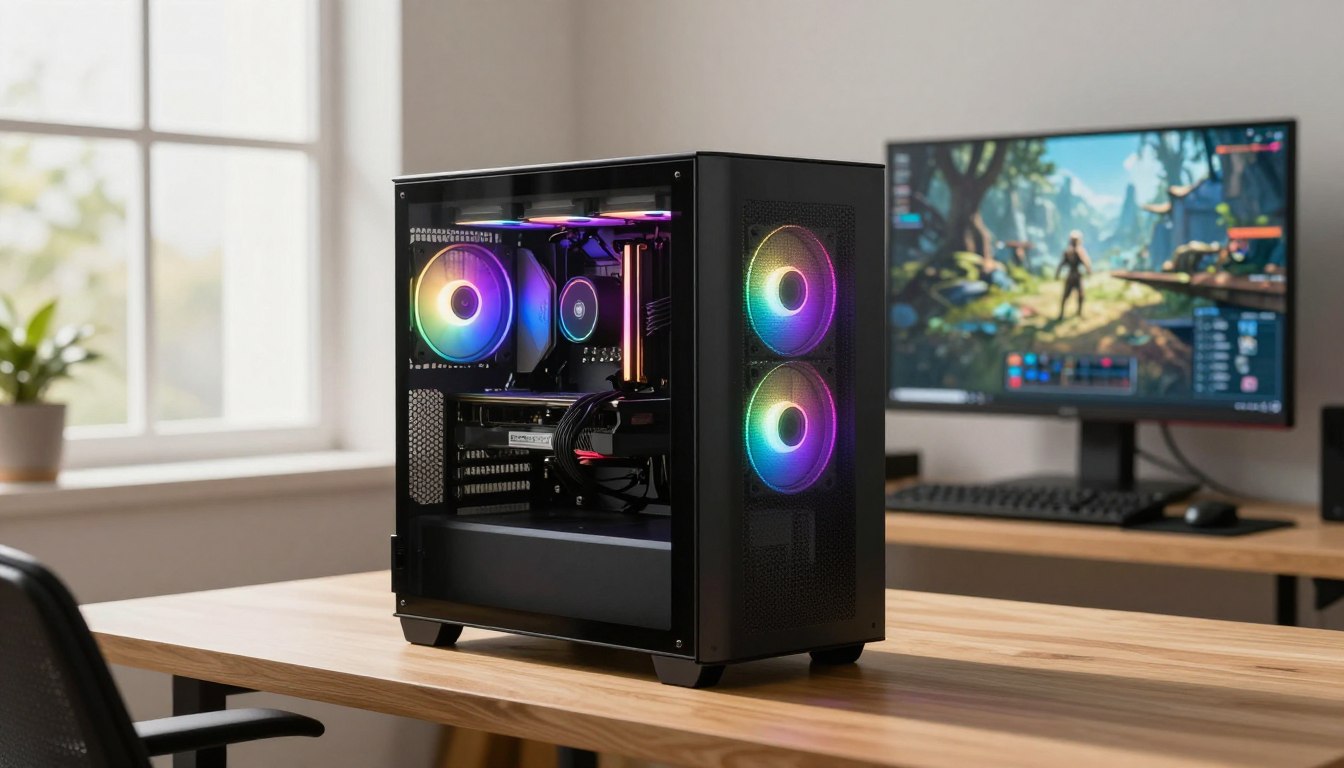
For most people, the best value is a new-parts 1080p tower in the $650-$750 range. That budget is a practical balance of gaming performance, price, and lower buying risk.
A tower in this range suits players who want dependable 1080 gaming without paying for hardware aimed at higher resolutions. The graphics card has the biggest effect on gaming performance in most games. It handles much of the work that determines image quality and frame rate, so an underpowered card can limit smooth gameplay even beside a capable processor.
A new-parts tower around $650-$750 is the balanced starting point for most 1080p gaming.
Buying all-new parts gives you a more straightforward route: you avoid uncertainty about a used card’s past workload and condition. A used GPU can lower the build cost to $500-$650, but the savings come with more risk. A card’s history, seller support, and return terms matter, especially when the GPU takes a large share of your budget.
In 2026, a capable 1080p PC built with new parts costs $650-$750. A build using a used GPU from a reputable seller can cost $500-$650. Both ranges describe the tower, not a complete setup with a display and accessories.
The right balance also depends on the games you play, your resolution, and your target frame rate. A story-driven game at 1080p may place different demands on a PC than a competitive game where you want high FPS. Consider the actual titles and settings you use before paying extra for hardware you may not need.
A strong GPU matters most when you want higher detail or steadier frame rates in demanding games. The processor, memory, and storage still count, but overspending on one supporting part will not make a weak graphics card perform like a stronger one. Set your target first, then judge the whole configuration against it.
The cheaper used route works best when you can inspect the seller’s reputation and understand the card’s return terms. A lower price is less useful if a faulty part leaves you covering the replacement cost. Favor a reputable seller and a clear return policy if a used GPU is the only way to meet your budget.
How Much Should You Spend for the Performance You Want?
A 1080p 60-fps target is the cheapest of these performance goals, while 1440p or 144 fps calls for more spending. Choose your target first, because the display resolution and refresh rate shape which parts deserve the extra cost.
A custom build under $1,000 can cover 1080p gaming and, near the upper end, 1440p at 60 fps. These estimates are for a tower, and a monitor adds to the total if you still need one.
| Budget | Target | Key condition |
|---|---|---|
| $500-$600 with a used GPU | 1080p at 60 fps | Used parts or careful sale hunting are generally necessary |
| $650-$750 new-parts build | 1080p at 60 fps | Targets high settings in current AAA titles |
| $750-$900 | 1080p at 144 fps | A 144Hz monitor is needed to see the difference |
| $900-$1,100 | 1440p at 60 fps | Higher resolution needs a stronger overall build |
For 1080p at 60 fps, a new-parts build generally costs $650-$750 and targets high settings in current AAA titles. A used GPU can bring that build range to $500-$600. The lower-cost route depends on finding a suitable used card or catching sales on new components.
A 144-fps target at 1080p costs more because the PC must produce frames quickly and consistently. The $750-$900 range is aimed at that goal, but a standard 60Hz monitor cannot show all 144 frames each second. A 144Hz display lets you see the difference that higher frame rates can make.
For 1440p at 60 fps, plan on $900-$1,100 for the tower. The higher resolution asks more of the graphics card than 1080p does. A budget near the upper end of $1,000 can reach this target, depending on the parts and the games you choose.
FPS is only part of the experience. Settings, game demands, and how steady the frame rate feels all matter. A build that performs well in a lighter title may need lower settings in a demanding release, so use the target as a spending guide rather than a promise for every game.
Do not pay for 144-fps hardware unless your monitor can display a 144Hz refresh rate.
Which Prebuilt Gaming PCs Are Worth Considering?
A prebuilt makes sense when you value setup convenience, but the named budget option here is priced at $1,099.99. Ready-to-use convenience can be worth paying for when you do not want to select parts, assemble a tower, and troubleshoot a new build.
The CyberPowerPC Gamer Xtreme is listed at $1,099.99 as a budget gaming PC. That price makes it an option to compare, not an automatic bargain. Check the exact configuration because the name alone does not tell you which graphics card, memory, and storage are included.

When a Prebuilt Makes Sense
HP’s 2026 guide places entry-level gaming PCs at $1,000-$1,200, with 1080p at 60+ FPS on medium-to-high settings as the target. Its entry-level 1080p tier lists RTX 5060- or RX 7600-class GPUs. Those are category examples, not a claim that every PC in the price range uses either card.
HP places mid-range gaming PCs at $1,200-$2,200 for 1440p at 100+ FPS on high settings in most titles. Its mid-range 1080p-to-1440p tier names RTX 5070 and RTX 5070 Ti GPUs. A real system’s results still depend on its full configuration and the game.
HP names the HyperX OMEN 16L Gaming Desktop as an entry-level option with an RTX 50-series GPU, 16GB RAM, and fast storage. No price is stated here for that model. Compare its exact configuration with other gaming PCs rather than assuming the product name guarantees a particular value.
HP’s 2026 component discussion gives entry-level GPU costs as $250-$400. Its separate component-cost table lists entry-level GPU costs at $300-$600, CPU costs at $150-$400, motherboard costs at $100-$150, and PSU costs at $60-$90. Keep these GPU estimates separate: they are presented as different ranges.
Can You Buy a Prebuilt Gaming PC Under $500?
The named budget prebuilt costs more than $500, and no named sub-$500 prebuilt is established here. A low advertised price also deserves a close look at the hardware, warranty, and software before you treat it as a gaming PC worth buying.
- Compare the exact GPU model.
- Verify RAM capacity and SSD capacity.
- Check the included warranty and Windows license.
Check the exact configuration and included software before paying, since model names can cover different specifications.
What Should a $700 Gaming PC Build Include?
A $700 build works best when its largest share goes to the graphics card, with a capable CPU and dependable supporting parts. Spend with balance, so a premium part does not force weak choices elsewhere.
A realistic $700 new-parts build assigns about 35-40% of its budget to the GPU and 10-12% to the power supply. The following allocations show how that spending can be spread across the core parts.
| Component | $700 build allocation | Buying note |
|---|---|---|
| GPU | $200-$220 | Give gaming performance the largest share |
| CPU | $135-$145 | Match it to the GPU and gaming target |
| Motherboard | $100-$110 | Choose a board that fits the CPU platform |
| RAM | $80-$90 | Use a matched 2×8GB DDR5 kit |
| Storage | $85-$100 | Choose a 1TB NVMe SSD |
Put the Biggest Share Toward the GPU and CPU
The GPU allocation in this sample is $200-$220. That sits near the lower end of the 35-40% budget rule, so sale prices can help the figures fit. Avoid trimming the graphics card too far just to add a costly CPU that will not improve the games you play.
Listed budget 1080p CPU examples include the Intel Core i3-14100F at $99, the AMD Ryzen 5 7500F at $148, and the Ryzen 5 9600X at $180. The i3-14100F is listed as sufficient for GPUs in the $200-$400 range at 1080p. These are examples to compare, not required picks for every build.
A $700 sample assigns $70-$80 to the PSU and $50-$60 to the case. The PSU amount is close to the suggested 10-12% share. Choose a dependable unit with suitable connectors, rather than chasing a high wattage number you do not need.
Balance the Board, Memory and Storage
For the motherboard, the sample allocation is $100-$110. A budget board can fit the build without spending heavily on features you will not use. A B650 board in the $90-$120 range suits Ryzen, while a B760 board in the same range suits Intel.
In 2026, 16GB of DDR5 RAM is the minimum for a new gaming build. A 2×8GB kit is preferred over one 16GB stick. Two matched sticks give the system a paired memory setup without changing the budget into a much larger capacity tier.
A budget build should use a 1TB NVMe SSD and skip SATA SSDs. The sample gives storage $85-$100, which can provide a sensible starting point for a game library. Keep an eye on available space if you install several large games at once.
Keep the parts list balanced, since a costly CPU cannot compensate for a weak graphics card in a gaming-focused build.
Which Graphics Card Gives the Best Budget Gaming Value?
At $220, the RX 7600 is the clearest low-cost 1080p GPU pick among these options. Its lower price makes it a straightforward choice when your budget is tight and 1080p gaming is the goal.
The RX 7600 has 8GB of VRAM and a 165W power draw, while the Arc B580 costs $310 and has 12GB. The B580’s raw 1080p performance is close to, and slightly ahead of, the RX 7600.
Choose Between the RX 7600 and Arc B580
The RX 7600’s $220 price leaves more room for the rest of a budget build. Its 8GB VRAM meets the stated minimum for 1080p gaming in 2026. That minimum is a starting point, not a guarantee of ideal headroom in every title or at every setting.
The Arc B580 costs $310 and offers 12GB of VRAM. Its slightly ahead raw 1080p performance and extra memory may appeal if you can spend more. Close performance figures do not mean the cards have identical features, compatibility, or results in every game.
Think about the titles you actually play and the settings you want. A card’s memory capacity is one part of its performance, not a complete measure of how it will handle a game. Game support and the rest of the system also affect the experience.
When to Spend More for 144 fps
For a 1080p 144-fps target, the listed higher-spend options are the AMD RX 9060 XT 8GB at $360 and NVIDIA RTX 5060 Ti 8GB at $400. They cost more than the value picks, so make sure your monitor can show the higher refresh rate before stretching your budget.
Both named cards have 8GB VRAM, which is the stated minimum for 1080p gaming in 2026. Minimum does not mean every new game will leave abundant room for demanding textures and settings. If a particular title pushes memory use, you may need to adjust settings.
The RTX 5060 Ti and RX 9060 XT are options to consider for higher frame-rate goals, not automatic winners for every player. The games, settings, and system configuration shape the result. Do not pay extra for a target your display cannot show.
Match the card to the games and settings you plan to use, not just its headline VRAM number.
How Much RAM and Storage Do Budget Gaming PCs Need?
For a new gaming PC, 16GB is a workable starting point, while 32GB makes more sense if you multitask heavily. Choose capacity for your workload, since open apps and games share system memory.
Use 16GB for basic gaming on a tight budget, or 32GB for more headroom with several demanding apps. System RAM is different from VRAM, which belongs to the graphics card and holds game assets and frame data.

Is 16GB or 32GB Better for Gaming?
Sixteen gigabytes is enough for casual 1080p gaming in many cases. ACEMAGIC rates 16GB as good for gaming and says 32GB can be better for gaming multitasking. If you play one game without many apps open, extra system memory may not make a significant difference.
Heavy multitasking changes the choice. With 16GB, several demanding apps can cause occasional slowdowns. Thirty-two gigabytes can handle multiple heavy apps at once without issues, making it a more comfortable choice for streaming, editing, or keeping many programs open while gaming.
Two hundred fifty-six gigabytes of RAM is generally far beyond what a gaming PC needs. Think of 16GB as a basic starting point and 32GB as a more comfortable multitasking choice. The workload matters more than choosing a very large number without a reason.
Four-kilobyte resolution does not set one universal RAM requirement. Sixteen gigabytes can run some games at 4K, while 32GB is a sensible target for a new system with background apps open. The game and your other workloads matter, so resolution alone does not decide system RAM capacity.
HP’s 2026 guide says entry-level systems usually start with 16GB of DDR5 RAM and a 512GB-1TB SSD. It places 32GB+ RAM and 2TB+ storage in mid-range and high-end systems. Those capacities describe typical tiers, not a rule that every gamer needs to follow.
HP’s 2026 component-cost table lists $100-$300 for entry-level 16GB RAM and $100-$300 for a 512GB-1TB SSD. These ranges can help you judge a complete configuration. The price alone does not tell you how much room a particular game library will need.
Pick Storage for Your Game Library
A 1TB NVMe SSD is the budget-build recommendation. Entry-level PCs commonly use 512GB-1TB of SSD storage, while mid-range and high-end systems typically use 2TB or more. The smaller drive can work, but it leaves less room for a growing collection.
Games, updates, and other files all take space on the drive. A full SSD can force you to remove a game before installing another. Check how much free storage remains after setup, not just the capacity printed in a product listing.
Check free drive space before adding a large game library, because storage fills faster than memory.
What Should You Check Before Buying a Complete Gaming Setup?
A gaming setup costs more than its tower if you still need a monitor, keyboard and mouse. Price the whole desk, not just the computer, so your budget covers the gear needed to play.
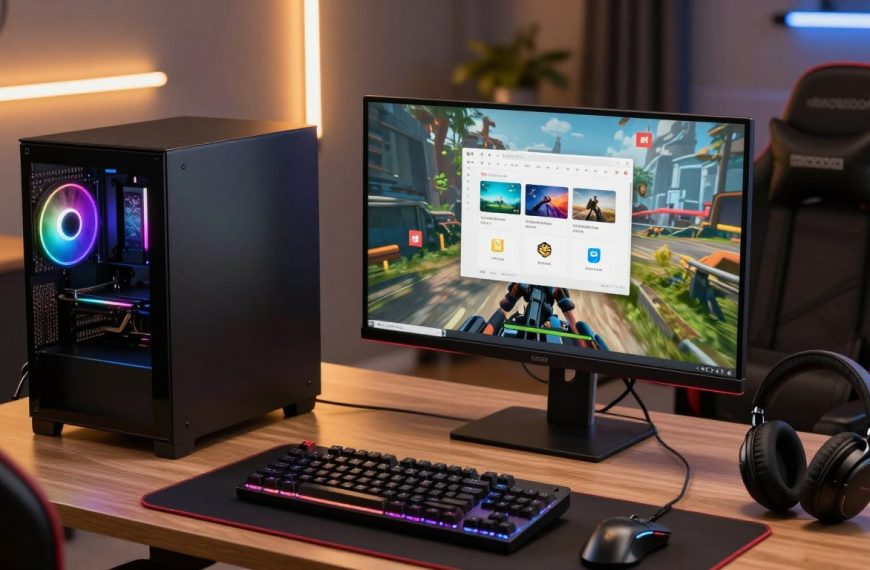
A complete gaming PC set includes a tower, monitor, keyboard, and mouse. The total depends on what you already own and the display’s resolution and refresh rate.
Budget for the Monitor and Accessories
As a general US rule of thumb, a basic 1080p monitor commonly costs about $100-$250. A basic keyboard-and-mouse set commonly costs about $30-$100. Quality, features, and the display you choose can move the total within or beyond those ranges.
The best budget gaming PC with a monitor is a balanced 1080p tower paired with a display that suits its frame-rate target. A 60Hz screen fits a 60-fps goal, while a higher refresh rate is useful when the PC can deliver more frames. Do not assume a tower price includes a display.
A full gaming PC set price changes with each item you still need. Check whether a bundle actually includes the monitor, keyboard, and mouse. A product photo can show a complete desk even when the listed price covers only the tower.
Check Power, Cooling and Upgrade Options
HP lists a 650W+ power supply as typical for gaming PCs in its 2026 guide. Power and cooling needs rise as a system’s power draw and heat output increase. Check both the PSU’s capacity and its connectors against the parts in the configuration.
Air cooling is usually adequate for a modest gaming build. Liquid cooling adds complexity and is not automatically necessary. A case with clear airflow and working fans can help manage heat without paying for a cooling setup your parts do not need.
Before buying or assembling a system, check these three points:
- Confirm the monitor’s resolution and refresh rate.
- Verify the PSU’s capacity and connectors.
- Check case airflow and available upgrade space.
Make sure the case has room for the graphics card and enough airflow before ordering parts.
Is a $500 Gaming PC Good Enough?
A $500 gaming PC can be good enough for lighter 1080p gaming, but it usually requires careful compromises. Set expectations carefully, because a tight budget does not make modern AAA games run at high settings.
Esports, older games, and lighter titles are more realistic at this price than demanding new releases. Reaching $500-$600 generally requires a used GPU or CPU, while a new-parts build in that range takes careful sale hunting.
Around $500 can work for lighter 1080p games, but it is not a safe budget for modern AAA titles at high settings.
What a $500 Build Can Handle
For competitive esports, older releases, and lighter games, a modest tower can provide a usable entry point. You may need to lower graphics settings or accept a less steady frame rate in more demanding titles. The specific game and your expectations shape how enjoyable the result feels.
The Intel Core i3-14100F is listed at $99 and is sufficient for GPUs in the $200-$400 range at 1080p. That price is for the CPU alone; it does not make the entire build cost $500. The rest of the parts still need to fit the budget.
A cheap gaming PC under $500 can make sense when you want to start playing lighter games and accept compromises. It is a difficult target for a dependable new-parts build, especially if you want a stronger graphics card. Keep room in your plans for a later upgrade.
When Used Parts Make Sense
Three routes can help you approach the price while keeping the trade-offs clear:
- Hunt sales on new parts and compare prices before ordering.
- Buy a used GPU from a reputable seller with a clear return policy.
- Start with a smaller build and upgrade later.
A used GPU can stretch your money, but it also asks you to accept more risk than buying new. Check seller reputation, return terms, and the exact card model. A bargain is less useful if the card fails and you cannot return it.
Use the games you play to set your first upgrade priority. A larger SSD can help if your drive fills quickly, while a graphics-card upgrade may make more sense when demanding games struggle. Avoid spending on parts that do not address the limit you are noticing.
Set aside money for a future GPU or storage upgrade instead of expecting a $500 system to run every new game at high settings.
Conclusion
A balanced 1080p tower is the best value starting point for most budget-conscious gamers. A new-parts build around $650-$750 offers a sensible mix for typical play, while a used GPU can lower the entry cost. A prebuilt gaming PC suits you better if convenience matters more than choosing every component yourself.
Your next step is simple: write down the maximum amount you can spend, including any monitor, keyboard, or mouse you still need. Then compare complete configurations against the resolution and frame rate you want. Set your total budget, choose your target resolution and compare complete configurations before you buy.
FAQ
What is the best and most affordable PC for gaming?
A new-parts 1080p gaming tower around $650-$750 is the balanced starting point for most buyers. That range makes room for a capable graphics card and supporting parts without paying for a higher-resolution target. A reputable used GPU can lower the cost, though you take on more risk. Remember to add a monitor and accessories if you do not already own them.
Is a $500 PC good for gaming?
Yes, a $500 PC can handle lighter games and esports at 1080p if you accept compromises. Older titles and less demanding games are more realistic than modern AAA releases at high settings. At this price, careful sale hunting or a used part is often needed. A future graphics-card or storage upgrade can make the system more useful over time.
What is the best budget gaming PC set?
A balanced 1080p tower with a monitor suited to its frame-rate target is the best budget starting point. Add a keyboard and mouse if you do not own them, and check that any bundle includes all three items. Some listings show accessories in product images without including them in the price. Confirm the screen’s resolution and refresh rate before choosing the tower.
Is a $2000 PC good for gaming?
Yes, a $2,000 PC is a strong gaming budget, with the exact performance depending on its configuration. A $1,200-$2,200 mid-range system is aimed at 1440p and 100+ FPS on high settings in most titles. That target is not a promise for every game. Check the graphics card, processor, memory, and display before judging the value.
How long will a $1000 gaming PC last?
A $1,000 gaming PC can provide roughly 3-5 years of strong 1080p play before you may need to adjust settings or upgrade hardware. The useful lifespan depends on new games’ demands and your frame-rate expectations. A player who accepts lower settings may keep using the PC longer. Storage and memory upgrades can also extend its usefulness, but will not fix every graphics limit.
Is 32 GB RAM overkill gaming?
No, 32GB is not overkill if you game while running several demanding apps. Sixteen gigabytes can be enough for casual 1080p gaming, so a single game and a few basic background tasks may not need more. Thirty-two gigabytes gives you extra room for multitasking, streaming, or editing. Choose based on your usual workload rather than capacity alone.
How much RAM for 4K gaming?
Sixteen gigabytes can run some games at 4K, while 32GB is a sensible target for a new PC with background apps open. Resolution alone does not set a universal system RAM requirement. The game, settings, and other programs you keep running matter. Also remember that system RAM and graphics-card VRAM serve different roles in gaming.
Do I need 16GB or 32GB RAM for gaming?
Choose 16GB for basic gaming on a tighter budget and 32GB for heavy multitasking or more headroom. Sixteen gigabytes is a reasonable starting point for casual play, while multiple demanding apps can cause occasional slowdowns. Thirty-two gigabytes can handle more apps at once. Check your normal gaming habits before spending extra on capacity you may not use.

 By
By
 By
By